 Voicora
Clone in 15 seconds
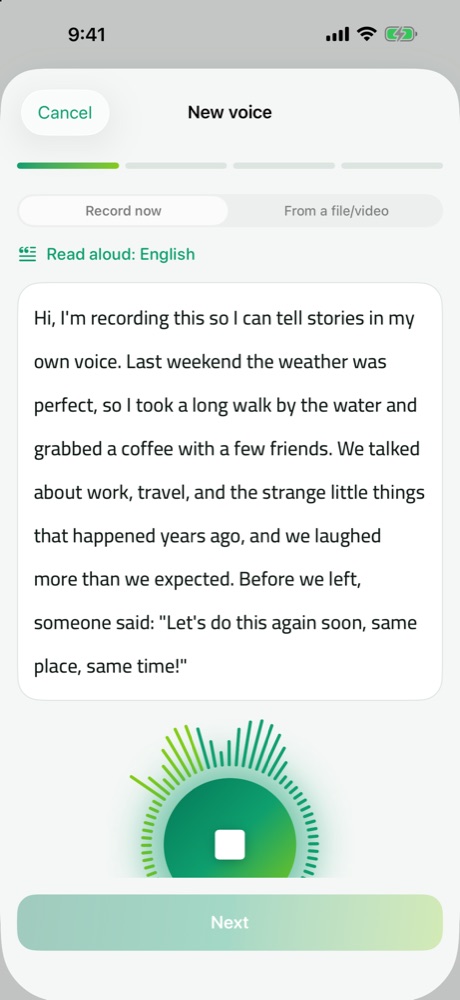
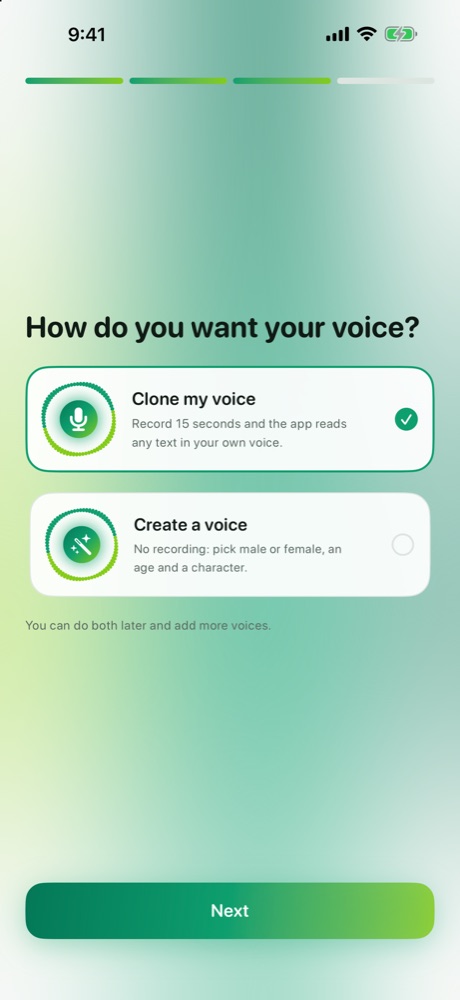
Read a short passage aloud — or import a clip from a video. A glowing orb follows your voice while you record.
Record fifteen seconds, paste your script, and hear it read in your own voice — or design a brand-new voice without recording at all. Everything is generated on your device: offline, private, no account.
1 minute of audio free every day · English · Français · العربية
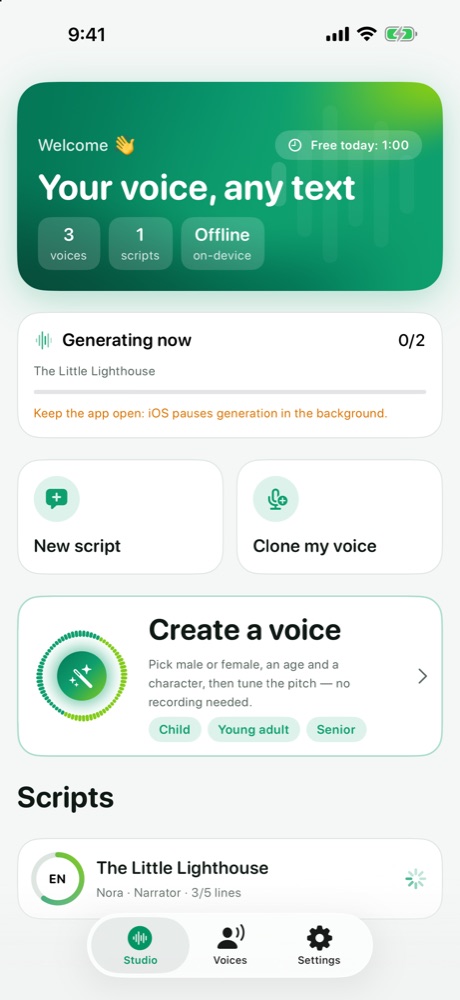
Tap a step to see the real screen. Every screenshot is the app itself.
Built for creators, narrators and educators who want long scripts in a voice that is truly theirs.
Read a short passage aloud — or import a clip from a video. A glowing orb follows your voice while you record.
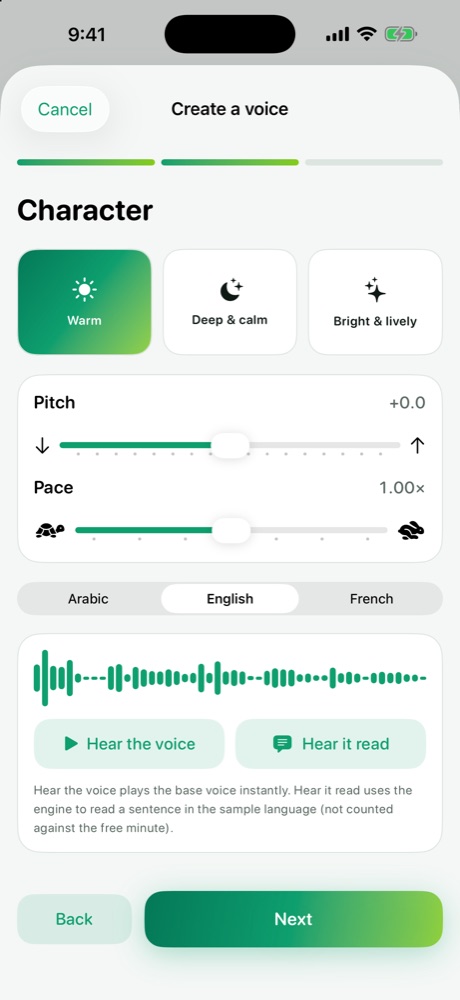
No recording needed: choose male or female, an age and a character, then tune pitch and pace.
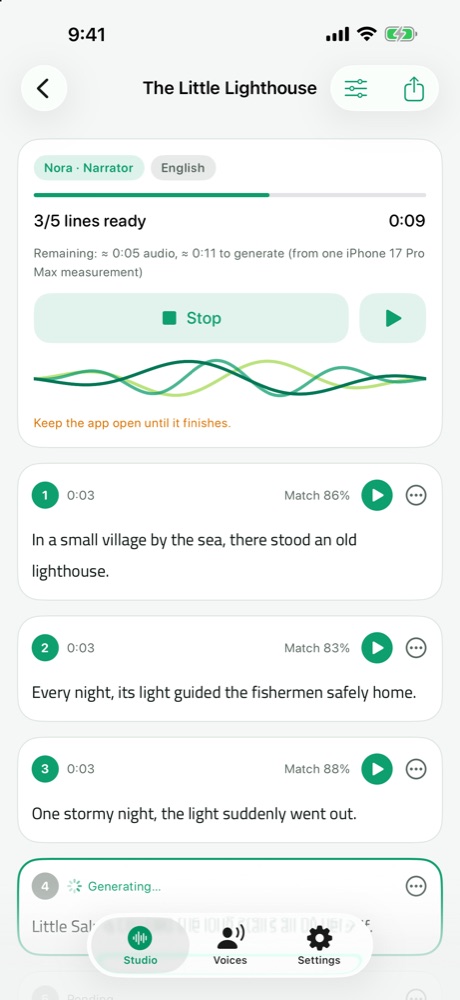
Every sentence is saved as it finishes. Stop and resume any time, or redo a single line.
Speech is generated on your device. Your voice, your scripts and your audio never leave it.
Adjust speed and pauses without regenerating, then export WAV or M4A for YouTube, reels and podcasts.
Speech and interface in English, French and Arabic (Modern Standard Arabic), with full right-to-left support.
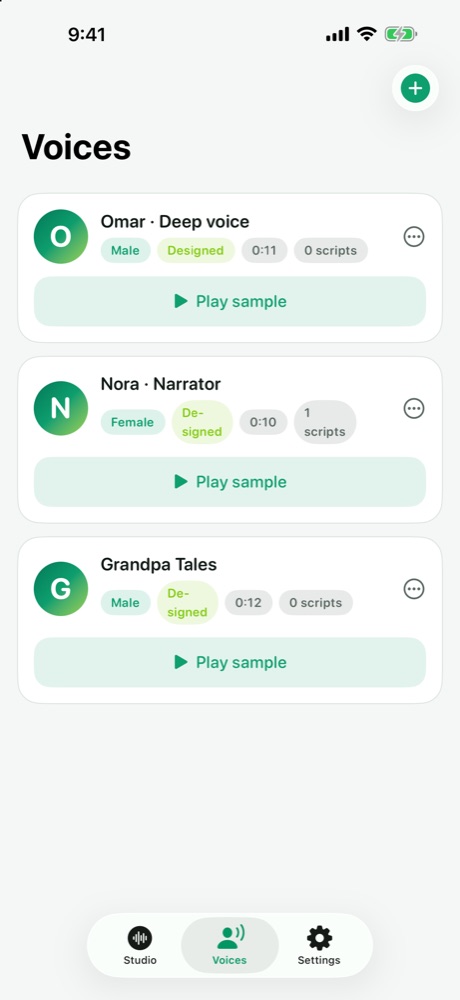
These designed voices ship inside Voicora as starting points for “Create a voice”. They were made from text descriptions — no real person — and you can reshape their pitch and pace.
Samples are the designed base voices bundled in the app. Your cloned voice is generated on your own device.
A native SwiftUI app with live graphics: the voice orb while you record, a wave while it generates, and a layout that adapts from iPhone to iPad.
Voicora has no servers that hear you. The voice engine downloads once; after that, every word is generated on your device — it even works in airplane mode.
Before a voice is saved, Voicora asks whose voice it is and records your confirmation. Cloning public figures or anyone without permission is not allowed. Designed voices are confirmed as not imitating a real person.
Every feature, with 1 minute of generated audio per day.
Unlimited generation — about 69% less than paying monthly.
Prices in USD; your local price is shown in the App Store. Subscriptions renew automatically until cancelled in your Apple Account settings. Terms of Use.
iPhone and iPad. Generating speech needs a lot of memory, so it works best on recent models; it has been tested on iPhone 17 Pro Max.
Yes. The voice engine (about 1.85 GB) downloads once, ideally over Wi-Fi. After that, recording, generating and exporting all work offline.
English, French and Arabic (Modern Standard Arabic). Arabic dialects such as Egyptian are not reliable yet, and the app tells you so.
No. Your recordings, scripts and generated audio stay on your device. We have no servers that receive them.
Only with that person’s explicit permission, and only if they are an adult. Voicora asks you to confirm this before a voice is saved.
On iPhone 17 Pro Max, generating takes about twice as long as the audio it produces. Keep the app open while it works; finished sentences are saved as you go.
Settings → your name → Subscriptions → Voicora, or “Manage subscription” in the app. The lifetime purchase never renews.